


5 min read
Aug 14, 2026
Getting started with GreenCRM24 is quick and simple. Follow these steps to create your account and start managing your leads.
Step 1: Open the Signup Page
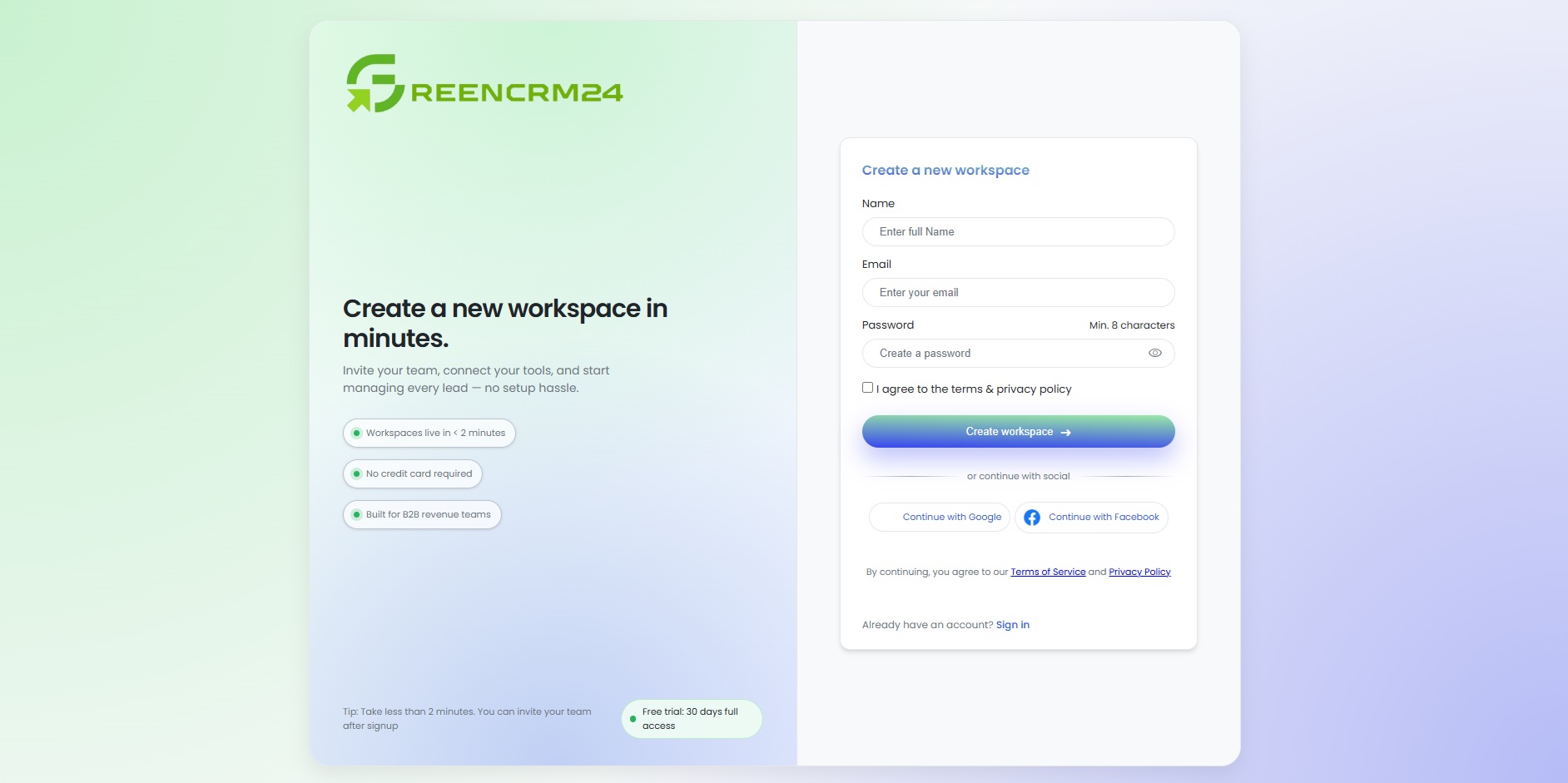
Visit the GreenCRM24 website and click “Start Free Forever” to open the account registration page.
Step 2: Enter Your Details
Fill in your Full Name, Email Address, and Password. Make sure your information is accurate and use an email address you can access.
Step 3: Create Your Account
Submit the registration form to complete the signup process. Once your account is created, you can log in and begin setting up your CRM.
GreenCRM24 currently offers a Free Forever Plan, and no credit card is required to get started.
Next Step: Log in to your GreenCRM24 account and start connecting your lead sources.
