


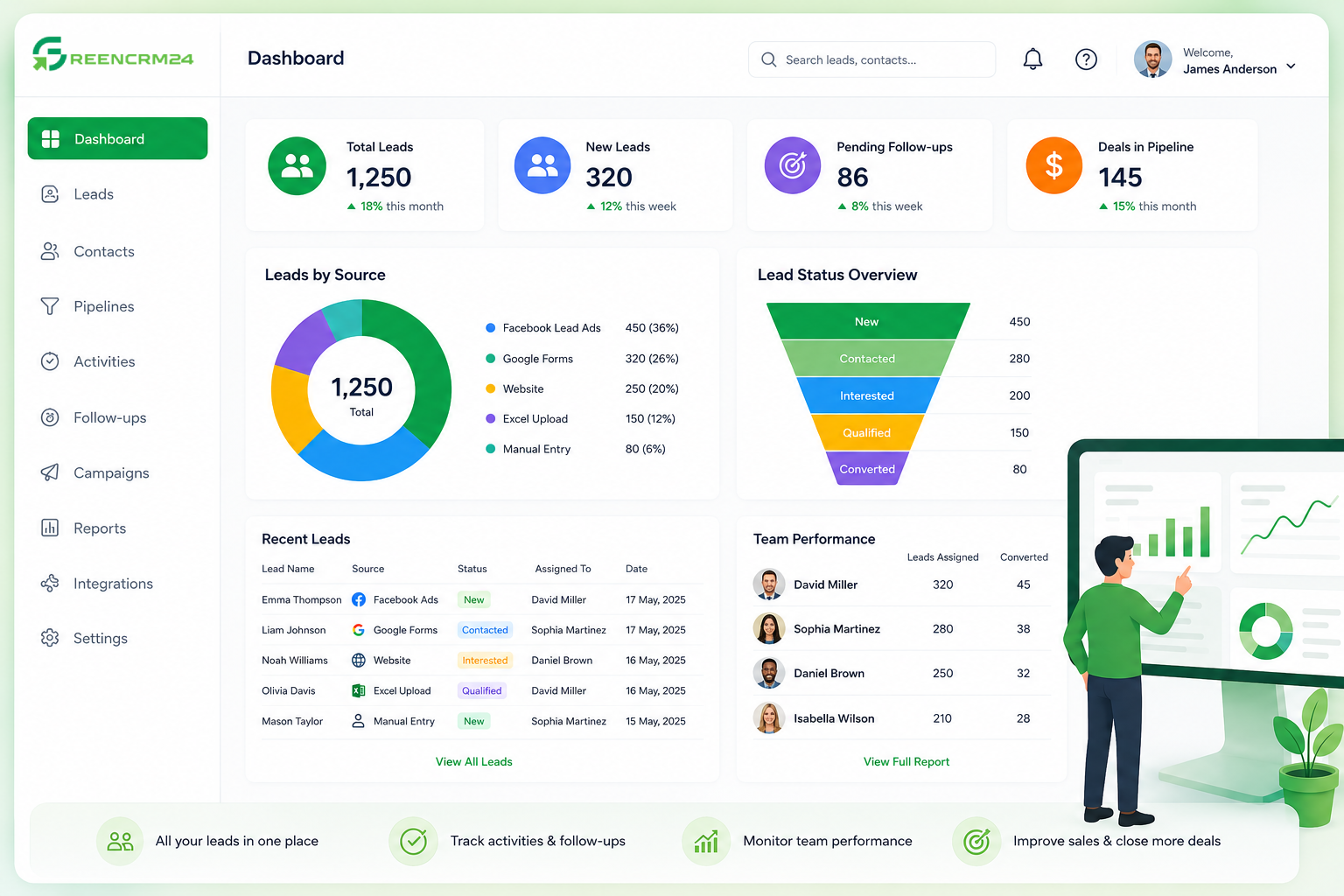
The GreenCRM24 dashboard gives you a simple overview of your leads, sales activities, team performance, and customer interactions in one place. After logging in, the dashboard helps you quickly understand what is happening with your leads and where your team should focus next.
What Can You See on the Dashboard?
The dashboard provides visibility into your lead management activities. Depending on your setup, you can monitor:
Total Leads: View leads captured from sources such as Facebook, Google Forms, Shopify, manual entry, or Excel uploads.
Lead Status: Track the current status of your leads and understand which enquiries need attention.
Lead Assignment: See which team member or agent is responsible for each lead.
Follow-ups: Keep track of pending activities and make sure important leads are not missed.
Team Performance: Monitor how agents are handling and updating their assigned leads.
Sales Performance: Get an overview of pipeline activity and important sales metrics.
GreenCRM24 also supports different lead assignment methods, including manual assignment and automated routing options, helping teams distribute enquiries efficiently.
How to Use the Dashboard
Start by checking your latest leads and their current status. Review newly assigned leads, identify pending follow-ups, and check whether your team has updated customer information. You can also use integrations to bring leads from connected platforms directly into GreenCRM24.
Tip for New Users
Make the dashboard part of your daily routine. Start your day by checking new leads and pending follow-ups, and end the day by reviewing updated lead statuses and team activity.
With GreenCRM24, your dashboard becomes the central place to stay organised, respond faster, and keep your sales process moving.
