



If you've started looking for a CRM, you've probably noticed the problem already — there are dozens of them, and they all claim to be "the best." Every homepage has a five-star rating, a list of impressive logos, and a feature list a mile long. It's genuinely hard to tell them apart just by browsing. So instead of comparing feature lists, let's approach this differently — by working backward from what your business actually needs.
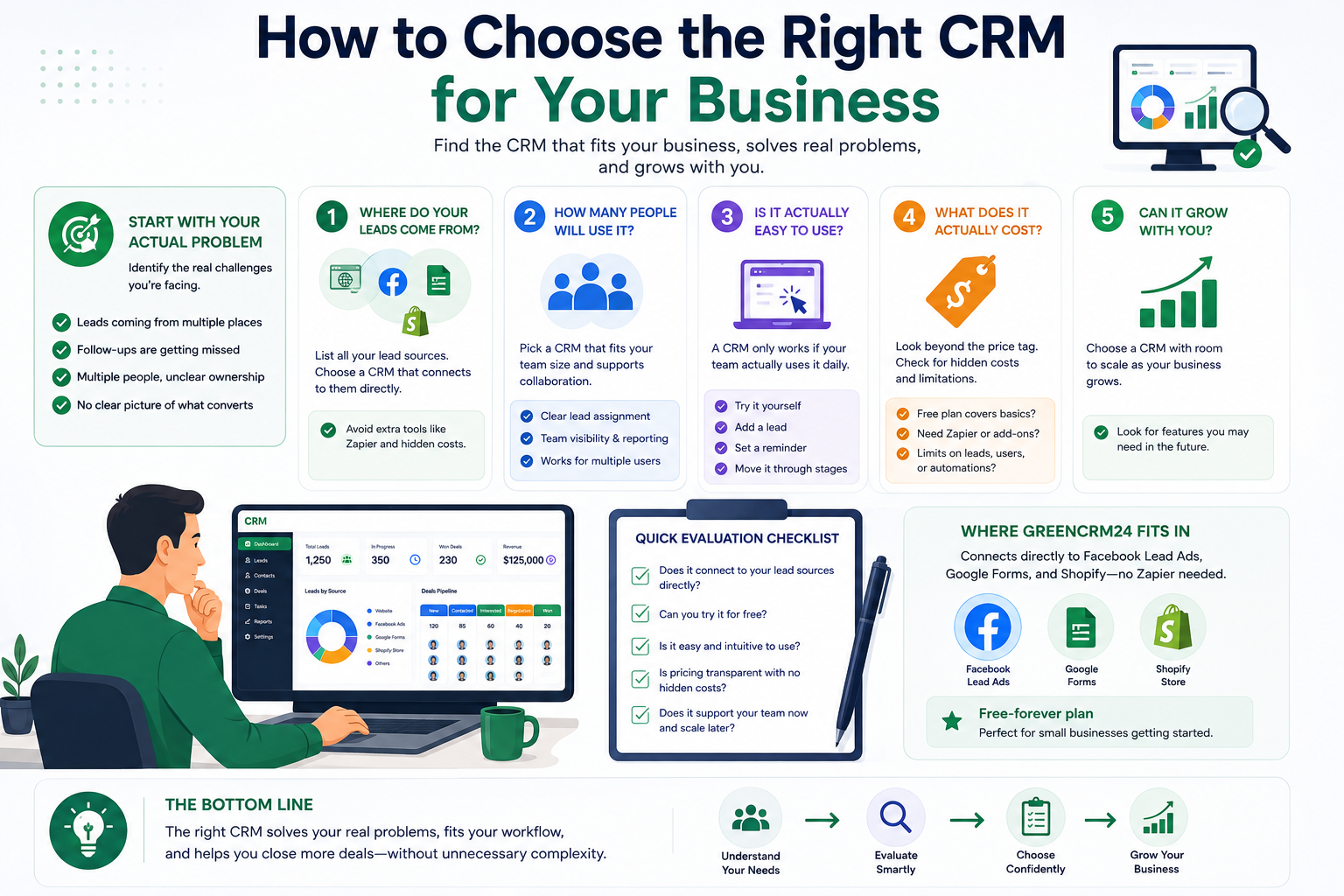
Start With Your Actual Problem, Not the Software
Before you look at a single CRM, it's worth being honest about what's actually going wrong right now. Most businesses land in one of these situations:
- Leads are coming in from multiple places (website, Facebook ads, Shopify, walk-ins) and nobody's keeping track consistently
- Follow-ups are getting missed because everything relies on memory
- More than one person handles sales, and there's confusion over who's talking to which lead
- There's no clear picture of which lead sources are actually converting
Whatever your specific pain point is, that's your starting point — not "what features does this CRM have," but "what problem am I actually trying to fix." A CRM chosen around a real problem tends to get used. A CRM chosen because it had the flashiest demo tends to get abandoned in a month.
Question 1: Where Do Your Leads Actually Come From?
This is the single most important question, and it's the one people skip. List out every place leads currently come from — website forms, Facebook Lead Ads, Google Forms, your online store, referrals, phone calls, whatever it is.
Then check: does the CRM you're considering connect to those sources directly? If it doesn't, you'll either be stuck manually copying leads over, or paying for and maintaining a separate automation tool just to bridge the gap. That's an extra cost and an extra point of failure — and it's usually the reason people end up frustrated with a CRM within the first month.
Question 2: How Many People Will Actually Use It?
A CRM for a solo founder looks different from a CRM for a 10-person sales team. If it's just you, you mostly need capture, reminders, and a simple way to track status. If multiple people are involved, you also need:
- Clear lead assignment, so ownership isn't ambiguous
- Visibility for whoever's managing the team, without having to ask each rep for updates
- A system that doesn't fall apart when two people are working leads at the same time
Buying a CRM built for large sales teams when you're a team of two is overkill. Buying one built for solo use when you actually have a growing team means you'll outgrow it fast. Be honest about where you are right now, not where you hope to be in two years.
Question 3: Is It Actually Easy to Use?
This one gets ignored constantly, and it's probably the biggest reason CRMs fail in practice. A CRM only works if your team actually opens it every day. If it's confusing, slow, or requires training just to log a call, people will quietly go back to their old habits — texting themselves reminders, tracking things in their heads, whatever they did before.
Before committing, actually try it. Add a fake lead, move it through a few stages, set a reminder. If it feels clunky in five minutes, it's not going to feel better after a month of daily use.
Question 4: What Does It Actually Cost — Including the Extras?
Pricing pages can be misleading. The advertised price often doesn't include things like extra automation tools, integration add-ons, or per-user fees that stack up fast once your team grows.
Ask directly:
- Does the free or entry plan actually cover lead capture and follow-ups, or is that locked behind a paid tier?
- Do you need to pay for a third-party tool (like Zapier) just to connect your lead sources?
- Are there hidden limits — number of leads, number of users, number of automations — that'll force an upgrade sooner than expected?
A CRM that looks cheap on the surface can end up costing more once you factor in the extra tools needed to make it actually work for your setup.
Question 5: Can It Grow With You?
You don't need every advanced feature today, but it's worth checking whether the CRM has room to grow — more automation, better reporting, AI-based lead routing — so you're not forced to migrate everything to a new system the moment your business scales up. Migrating CRMs later, with years of contact history and notes, is a genuinely painful process. Better to pick something with headroom now, even if you don't use it yet.
A Simple Way to Actually Decide
If you're stuck comparing options, here's a practical shortlist to run through:
- Does it connect directly to where your leads actually come from? (No Zapier required, ideally.)
- Can you try it for free before committing to anything paid?
- Does it feel intuitive within the first few minutes of using it?
- Is pricing transparent, without needing five add-ons to do the basics?
- Does it support your team size now, and have room for it later?
If a CRM checks most of these boxes, it's probably a solid choice — regardless of how flashy its marketing page looks.
Where GreenCRM24 Fits In
If your leads mostly come through Facebook Lead Ads, Google Forms, or a Shopify store, it's worth specifically checking how a CRM handles those sources — since that's usually where the real friction shows up. GreenCRM24 connects to all three directly, without needing Zapier as a middle step, and has a free-forever plan, which makes it a reasonable place to start if you're not ready to commit to a paid tool yet.
That said, the right CRM is ultimately the one that fits your specific lead sources, team size, and budget — not just the one with the most convincing homepage.
The Bottom Line
Choosing a CRM isn't really about finding the "best" one in some abstract sense — there isn't one. It's about finding the one that fits how your business actually operates: where your leads come from, how many people need to use it, and how much complexity you're actually ready for right now.
Start with your real problem, work backward from there, and resist the urge to pick based on whichever feature list looks longest. The CRM that actually gets used every day will always beat the one that just looks impressive on a sales call.
