



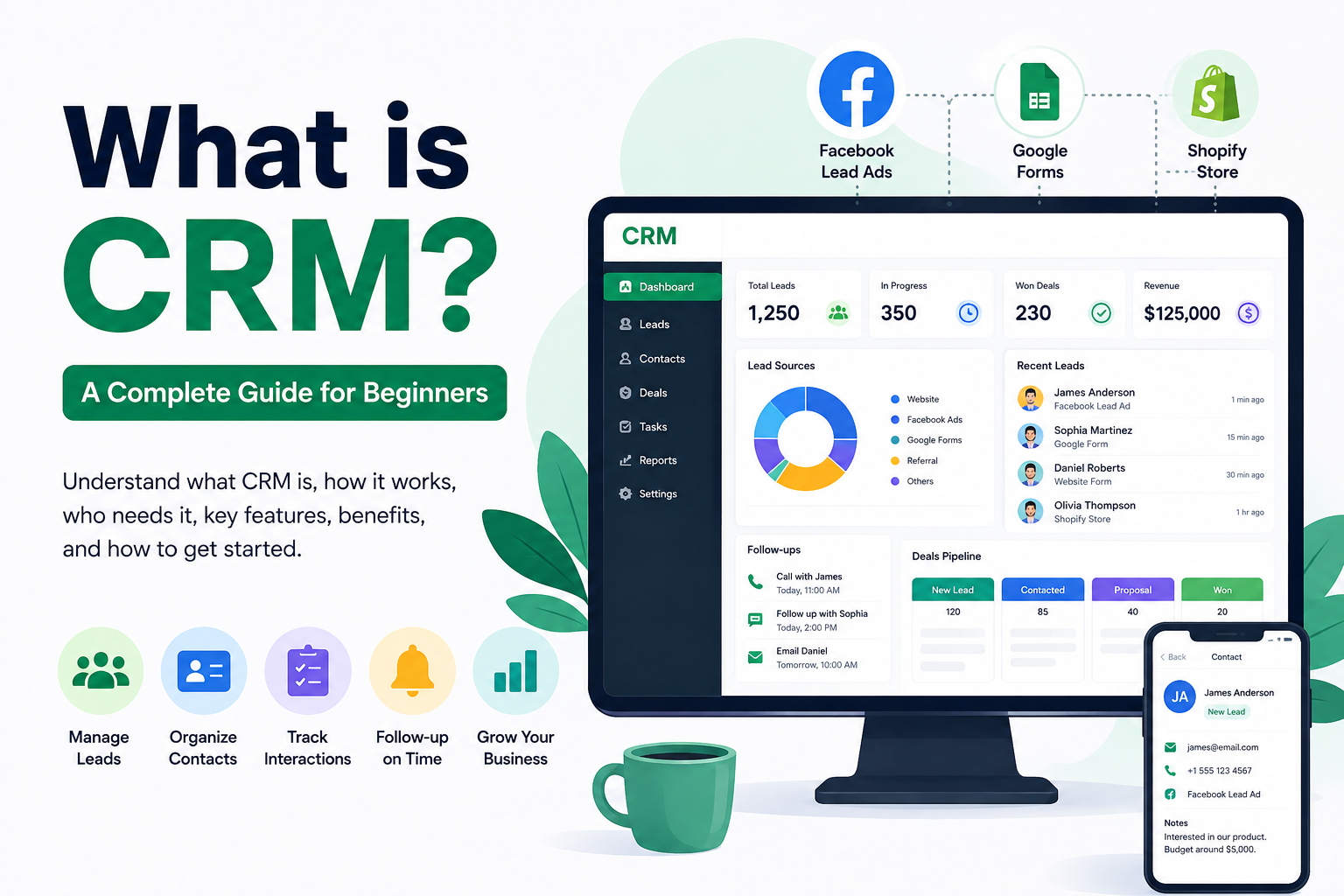
CRM stands for Customer Relationship Management. It helps businesses organize leads, prospects, and customers in one place, making it easier to manage conversations, follow-ups, and relationships without relying on scattered emails or spreadsheets.
The Problem Before CRM
Picture this. You're running a small business. Someone fills out a form on your website asking about your product. You get an email notification, you reply, maybe you jot their number down somewhere. A few days later, someone else messages you on Facebook. Then a customer calls asking about an order they placed on your Shopify store.
Now multiply that by 50, or 500. Where are you tracking all of this? A notebook? Sticky notes? A spreadsheet with seventeen tabs that only you understand?
This is exactly the mess CRM software was built to solve. Instead of leads and customer conversations being scattered across email, WhatsApp, phone calls, and social media, everything gets pulled into one place. One record per person, with the full history attached to it.
So What Does a CRM Actually Do?
At its core, a CRM does three things really well:
It captures leads. Instead of manually copying information from a form into a spreadsheet, a good CRM pulls leads in automatically — from your website, from Facebook Lead Ads, from Google Forms, even from your online store. No more forgetting to follow up because a lead got buried in someone's inbox.
It organizes the relationship. Every call, email, note, and follow-up gets logged against that person's profile. So when you (or your teammate) pick up the phone six weeks later, you're not starting from zero. You know exactly where things stand.
It helps you act on time. Most deals are lost not because the product was wrong, but because nobody followed up fast enough. A CRM reminds you — or your sales team — when it's time to reach back out, so leads don't just quietly go cold.
That's really it. Everything else — dashboards, reports, automation, integrations — is built on top of those three basics.
Who Actually Needs One?
Honestly? Almost anyone who deals with customers regularly. But CRM software tends to matter most for:
- Small businesses and startups juggling leads from multiple channels with a small team
- Sales teams who need to know who's following up with whom, so two people don't call the same lead
- E-commerce stores trying to connect customer inquiries with actual orders
- Service-based businesses that need to track ongoing client relationships, not just one-time sales
If you're a solo founder with five customers, you probably don't need one yet — a notebook will do. But the moment you're juggling more leads than you can hold in your head, that's usually the sign.
Common Features You'll Run Into
Every CRM looks a little different, but most share a similar toolkit:
- Lead management – capturing and organizing incoming leads in one dashboard
- Contact records – a single profile for each person, with their full history attached
- Lead assignment – automatically routing new leads to the right salesperson, instead of someone manually deciding who gets what
- Follow-up reminders – so nobody forgets to call a lead back
- Reporting – seeing which lead sources are actually converting and which aren't
- Integrations – connecting the CRM to the tools you already use, like Facebook Ads, Google Forms, or your online store
Some CRMs try to do everything under the sun — marketing automation, invoicing, project management, the works. Others stay focused on the sales and lead-management side. Neither approach is "wrong," it just depends on what you actually need.
A Quick Word on Integrations
This is the part people underestimate. A CRM that can't talk to the tools you already use just becomes another place you have to manually copy-paste data into — which defeats the entire point.
If most of your leads come from Facebook Lead Ads, Google Forms, or a Shopify store, it's worth checking whether a CRM connects to those directly, rather than requiring you to set up a separate automation tool (like Zapier) just to move data from one place to another. That's an extra cost, an extra thing to maintain, and an extra thing that can break.
This is actually one of the areas where GreenCRM24 takes a different approach — it connects directly to Facebook Lead Ads, Google Forms, and Shopify, so leads land in your CRM automatically without needing Zapier in between. For a small team that just wants leads flowing in without babysitting integrations, that's a genuinely practical difference.
Do You Need to Spend a Fortune on One?
Not necessarily. There's a common myth that CRMs are only for big enterprises with big budgets. That used to be more true years ago, but not anymore. Plenty of CRMs today offer free plans that cover the basics — lead capture, contact management, basic reporting — which is more than enough for a small business or startup just getting started.
The smarter approach is to start simple. Get your leads into one place, get your team using it consistently, and only add more advanced features (like AI-based lead routing or deep analytics) once you actually feel the need for them.
Getting Started Without Overthinking It
If you're new to all this, here's a simple way to approach it:
- List out where your leads currently come from — website forms, Facebook ads, Shopify, referrals, walk-ins, whatever it is.
- Check if a CRM can connect to those sources directly. If it can't, you'll end up doing manual data entry anyway.
- Start with a free plan and get comfortable with the basics before committing to anything paid.
- Get your team actually using it. A CRM that only one person logs into isn't really doing its job.
That's genuinely it. You don't need to understand every feature on day one — you just need a system that stops leads from slipping through the cracks.
The Bottom Line
A CRM isn't some complicated enterprise tool reserved for big corporations. At its heart, it's just a smarter, more organized way to keep track of the people you do business with — so follow-ups actually happen, leads don't get lost, and your team isn't relying on memory and scattered notes to run the sales process.
