


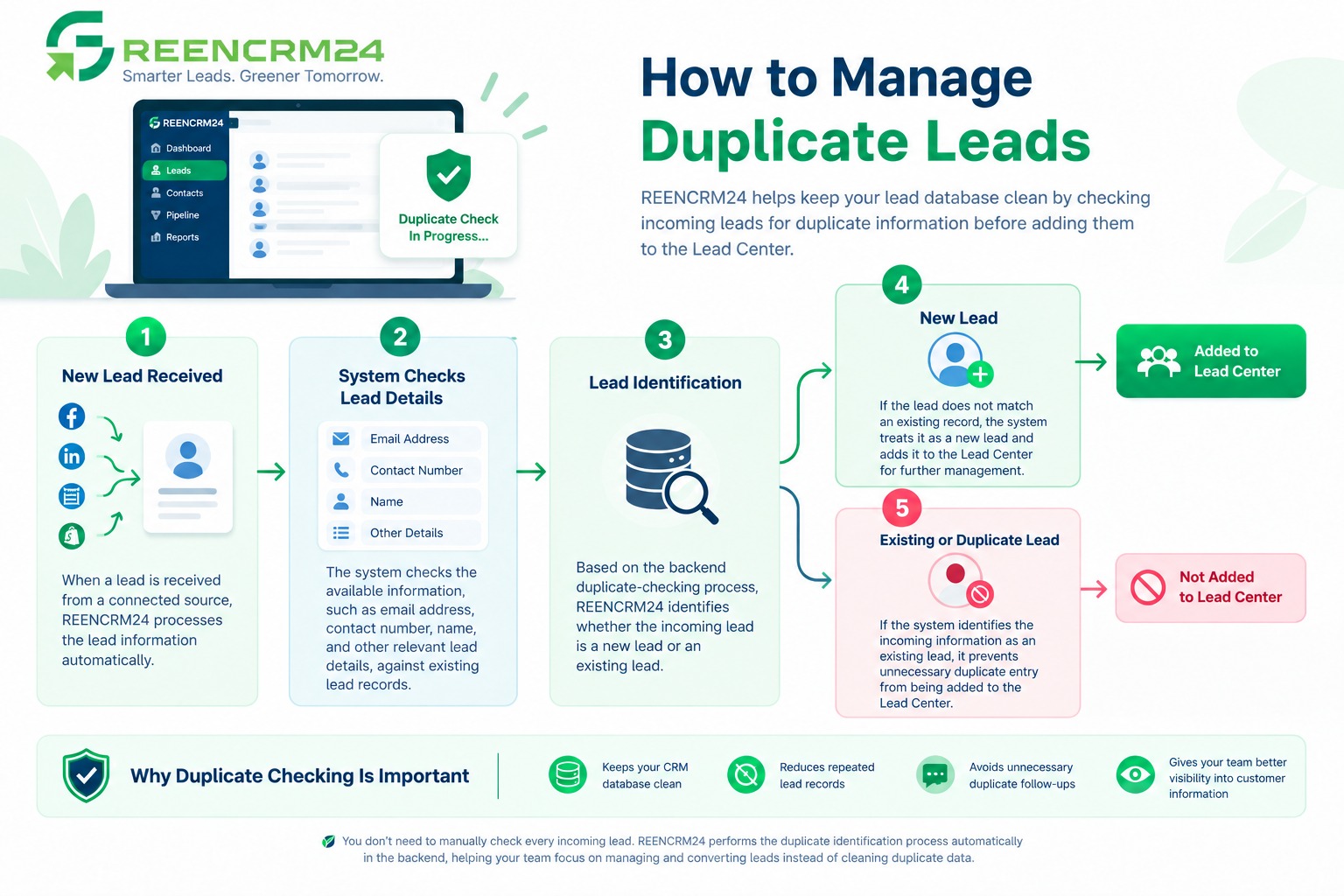
GreenCRM24 helps keep your lead database clean by checking incoming leads for duplicate information before adding them to the Lead Center. When a new lead comes into GreenCRM24, the system automatically checks the lead details in the backend to determine whether the lead is *new or already exists* in the system.
How Duplicate Lead Checking Works
1. New Lead Received
When a lead is received from a connected source, GreenCRM24 processes the lead information automatically.
2. System Checks Lead Details
The system checks the available information, such as the *email address, contact number, name, and other relevant lead details*, against existing lead records.
3. Lead Identification
Based on the backend duplicate-checking process, GreenCRM24 identifies whether the incoming lead is a new lead or an existing lead.
4. New Lead
If the lead does not match an existing record, the system treats it as a new lead and adds it to the *Lead Center* for further management.
5. Existing or Duplicate Lead
If the system identifies the incoming information as an existing lead, it prevents unnecessary duplicate entry from being added to the Lead Center.
Why Duplicate Checking Is Important
Automatic duplicate checking helps your team maintain a cleaner CRM database and reduces repeated lead records. It also helps avoid unnecessary duplicate follow-ups and gives your team better visibility into customer information.
You don't need to manually check every incoming lead. GreenCRM24 performs the duplicate identification process automatically in the backend, helping your team focus on managing and converting leads instead of cleaning duplicate data.
