


5 min read
Aug 20, 2026
Keeping track of lead activities helps your sales team understand customer interactions, follow-ups, and the progress of each enquiry. GreenCRM24 provides an activity timeline and activity history so you can maintain a clear record of lead engagement.
How to Track Lead Activities
- Log in to your GreenCRM24 account.
- Go to Lead Center from the dashboard.
- Find and open the lead you want to review.
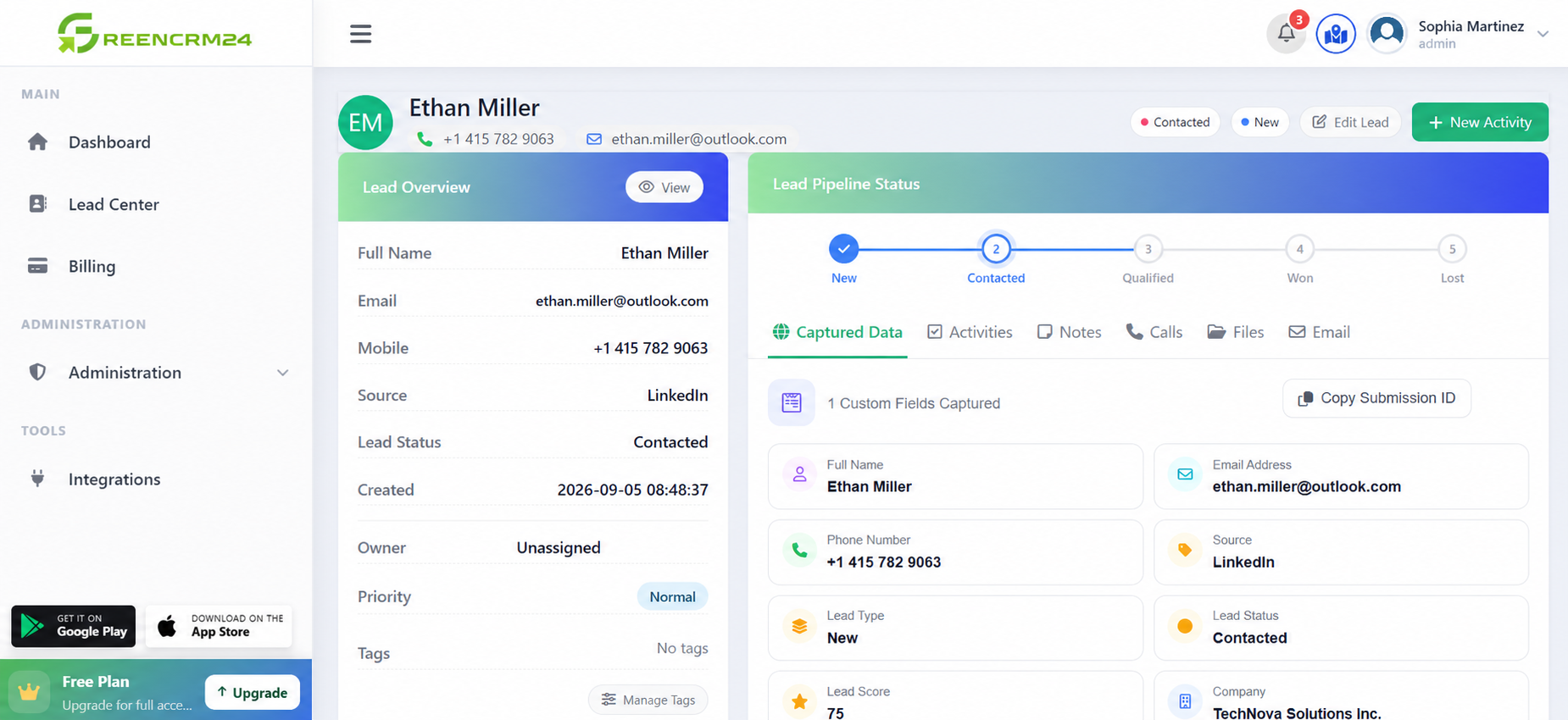
- Check the lead’s Activity Timeline/Activity History to view recorded interactions and updates.
- Review notes, follow-ups, tasks, and status changes to understand the latest activity.
- Add notes or schedule follow-ups when required to keep the lead record updated.
Tracking activities in one place helps your team know what has already been discussed, what action is required next, and who is responsible for the lead.
Tip: Update lead activities regularly after calls, messages, meetings, or follow-ups to maintain accurate customer records and avoid missed opportunities.
