


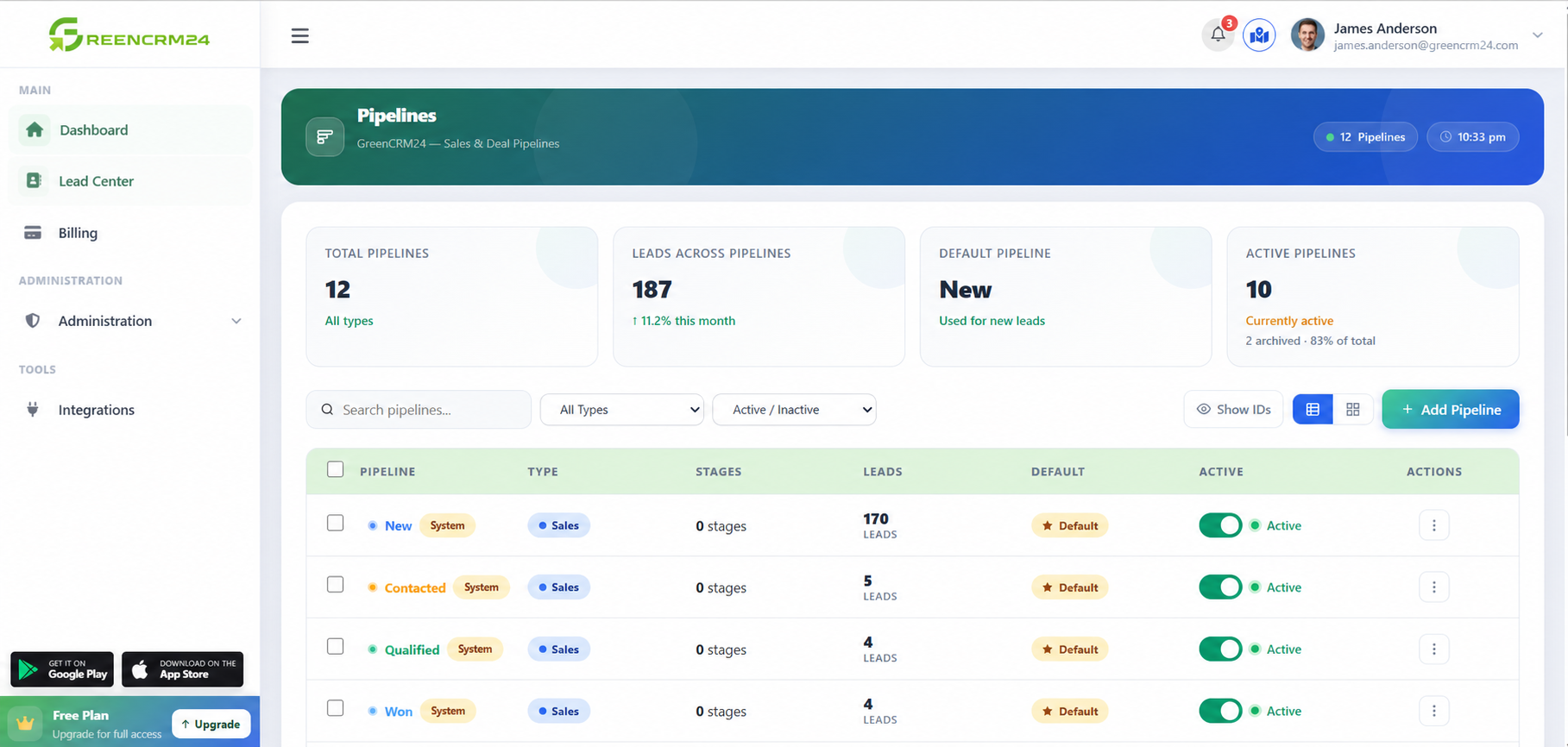
GreenCRM24 makes it easy to track sales opportunities from the first enquiry to the final conversion. A clear view of each opportunity helps your sales team know what action is required and which leads need attention.
Step 1: Open the Lead
Go to Lead Center and select the lead you want to manage.
Step 2: Review Captured Data
Check the customer's contact details, lead source, requirements, and other available information.
Step 3: Track Lead Activities
Use Activities, Notes, Calls, Files, and Email to maintain a complete record of your interactions with the lead.
Step 4: Update the Sales Stage
As the opportunity progresses, update its pipeline stage. This helps your team understand whether the lead is new, being followed up, under discussion, or closer to conversion.
Step 5: Plan the Next Follow-Up
Add the required activity or reminder so no sales opportunity is missed.
By regularly updating lead information, activities, and pipeline stages, GreenCRM24 helps your team maintain an organised sales process and keep opportunities moving toward closure.
